
iPDF2 is a professional-grade online PDF platform designed to make PDF management simple, fast, and secure. Trusted by millions of users worldwide, it allows you to convert, edit, optimize, organize, and secure PDF files directly in a web browser. With over 30 specialized tools, iPDF2 caters to students, professionals, and businesses alike, offering enterprise-grade security and cloud-based processing.
Whether you need to turn documents into PDFs, extract content, merge or split files, or secure sensitive information, iPDF2 provides a complete solution without any software installation or subscription.
Key Features of iPDF2
iPDF2 is divided into several tool categories, each offering a variety of PDF operations. Below is a detailed overview of each category and its tools.
Convert from PDF
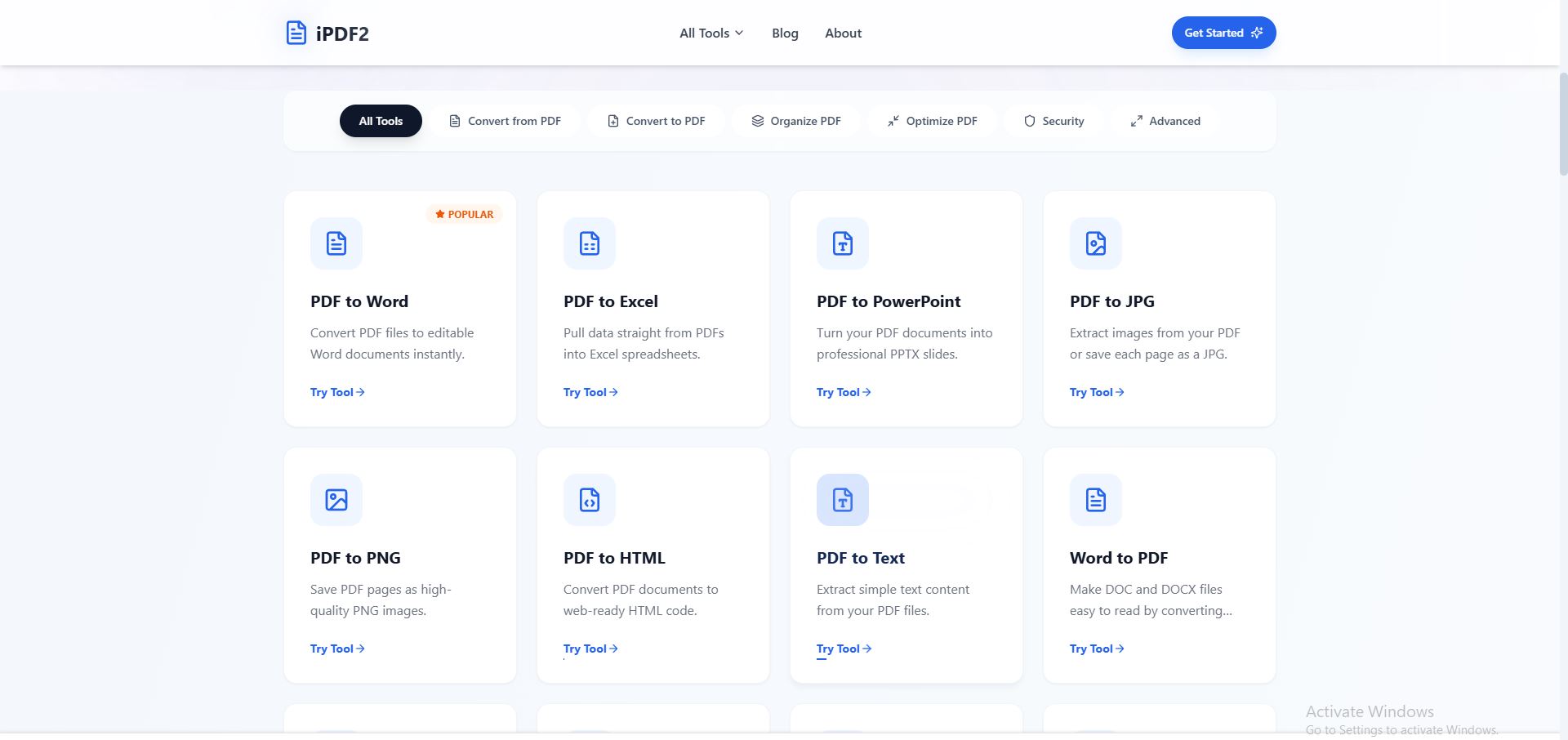
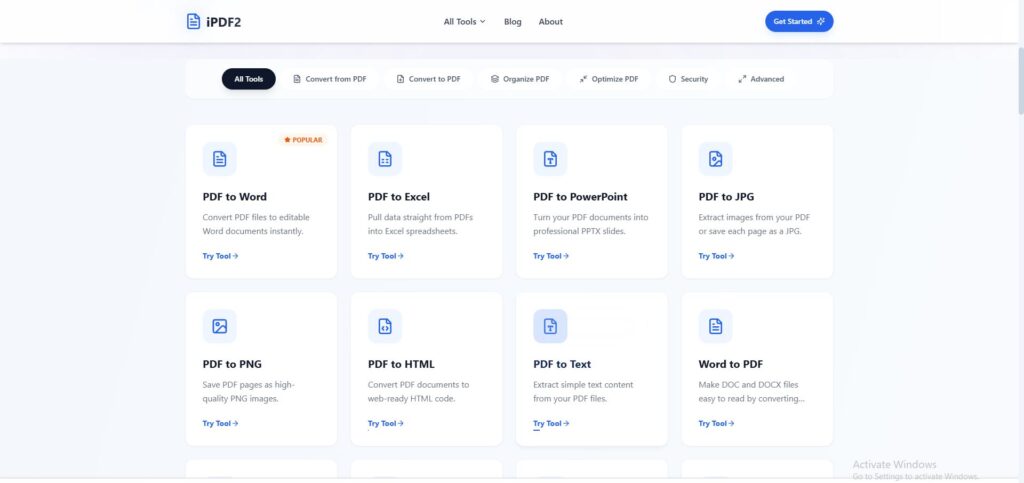
The Convert from PDF tools allow you to extract content from PDF files into editable formats, images, or web-ready files.
- PDF to Word – Instantly convert PDF files into editable Word documents. This tool preserves the layout, text formatting, and images, making it easy to work with PDFs in Microsoft Word.
- PDF to Excel – Extract tables and data directly into Excel spreadsheets. Perfect for financial reports, data analysis, or any PDF containing structured tables.
- PDF to PowerPoint – Transform PDF content into professional PPTX slides while maintaining formatting and images. Ideal for presentations.
- PDF to JPG – Save each PDF page as a high-quality JPG image or extract embedded images.
- PDF to PNG – Convert PDF pages into PNG images, preserving clarity and resolution.
- PDF to HTML – Convert PDFs into web-ready HTML code for embedding documents on websites.
- PDF to Text – Extract simple text content from PDFs for editing or processing.
Convert to PDF
iPDF2’s Convert to PDF tools enable you to create PDFs from a wide range of file types.
- Word to PDF – Quickly convert DOC and DOCX files into PDFs for sharing or archiving.
- Excel to PDF – Turn spreadsheets into readable PDFs while retaining tables and formulas.
- PowerPoint to PDF – Convert PPT and PPTX slideshows into PDF files for easier distribution.
- JPG to PDF – Convert images into PDF format, adjusting orientation as needed.
- PNG to PDF – Easily turn PNG images into PDFs without losing quality.
- HTML to PDF – Convert web pages or HTML files into PDF documents.
These tools ensure compatibility and preserve formatting, making documents easier to share and view across devices.
Organize PDF
The Organize PDF tools help you manage and structure your PDF documents efficiently.
- Merge PDF – Combine multiple PDF files into one unified document for easier handling.
- Split PDF – Separate PDFs by pages or page ranges for focused sharing or editing.
- Rotate PDF – Rotate one or multiple PDF pages to correct orientation.
- Delete PDF Pages – Remove unnecessary pages from PDF files.
- Reorder PDF Pages – Rearrange pages in any desired order for organized documents.
These tools are essential for maintaining a clean and structured PDF workflow.
Optimize PDF
iPDF2 provides optimization tools to manage PDF size and quality effectively.
- Compress PDF – Reduce PDF file size while maintaining maximum quality. This is useful for emailing documents or uploading to websites.
- PDF Size Reducer – Aggressively compress PDFs to minimize file size without significant quality loss.
Optimizing PDFs improves accessibility and ensures smooth sharing across platforms.
Security Tools
Security is a major focus of iPDF2. These tools allow you to protect sensitive documents.
- Protect PDF – Encrypt PDFs with a password to prevent unauthorized access.
- Unlock PDF – Remove password protection to enable editing or sharing.
- Add Watermark – Apply text or image watermarks to safeguard documents against unauthorized use.
These security tools make iPDF2 suitable for professionals handling confidential information.
Advanced Tools
iPDF2 also includes advanced tools for handling specialized PDF tasks:
- OCR PDF – Convert scanned PDFs into selectable and searchable text using Optical Character Recognition.
- Scan to PDF – Convert scanned images into PDF documents.
- Add Page Numbers – Automatically insert page numbers throughout PDF documents.
- PDF Metadata – View and edit metadata, including title, author, subject, and keywords.
- Page Counter – Quickly count the number of pages in any PDF file.
These advanced tools enhance productivity and make iPDF2 a complete PDF solution.
Why Choose iPDF2
iPDF2 stands out for several reasons:
- Free Forever & No Registration – All tools are accessible without any payment or sign-up.
- Secure Processing – 256-bit SSL encryption ensures file safety. Uploaded files are automatically deleted after one hour.
- Fast & Reliable – Cloud-based architecture handles even large files quickly.
- Cross-Platform Compatibility – Works on Mac, Windows, Linux, iOS, and Android.
iPDF2 combines simplicity, speed, and security, making it suitable for individuals, professionals, and teams.
How iPDF2 Works
Using iPDF2 is straightforward:
- Upload File – Drag and drop your document or select it from your device.
- Process – Choose the tool and settings for your task.
- Download – Get the processed PDF instantly in high quality.
This three-step workflow ensures efficiency and ease of use.
User Testimonials
iPDF2 is trusted by thousands of users globally:
- “iPDF2 has completely replaced my expensive Adobe subscription. The OCR tool is incredibly accurate!” – Sarah J., Marketing Director
- “Fastest PDF compressor I’ve ever used. Reduced my file size by 90% without losing quality. Essential tool.” – Mike T., Freelance Designer
- “The security features give me peace of mind when handling client contracts. Simple, fast, and secure.” – Elena R., Legal Consultant
Conclusion
iPDF2 is a comprehensive online PDF platform with over 30 tools for conversion, editing, organization, optimization, and security. It is browser-based, free, and trusted by millions, offering professional-grade features without the need for expensive software.
Whether you need to convert documents, merge or split files, compress PDFs, or secure sensitive information, iPDF2 provides all necessary tools in a simple and accessible interface. It is an ideal solution for students, professionals, and businesses looking for an all-in-one PDF platform.